You spent fourteen hours on your feet at a wedding. You caught the varmala laugh, the bride’s father wiping his eyes during the pheras, the cousins dancing until 2 AM. The photos are stunning. And yet, three weeks later, the family is calling your assistant asking, “Bhaiya, photos kab milenge?”
Here is an uncomfortable truth most of us learn the hard way: clients book you for your photos, but they recommend you for your handover. The moment a family opens your gallery is the moment they decide whether to tag you on Instagram, refer you to their relatives, or quietly forget your name.
After working with photographers across India, we have noticed the same handover problems again and again. None of them are about camera skill. All of them are fixable. Here are nine of the most common, and what you can do about each one.
Mistake 1: Letting the excitement die before the photos arrive
Every event has an emotional half-life. The day after a wedding, everyone is scrolling, sharing and reliving it. Two weeks later, they are back at work. A month later, the photos feel like old news. If your first delivery lands after that window, you have lost the most powerful marketing moment you will ever get: the family sharing your work while they are still emotional about it.
The fix: Split delivery into two stages. Share a quick set of highlights (or the full unedited event gallery with face search) within 24 to 48 hours, then follow up with the fully edited album later. Tell the client both dates upfront, in writing, so nobody has to chase you. With Camera to Cloud, photos can even reach the gallery while the event is still going on.
Mistake 2: Handing over a Google Drive folder and calling it “delivery”
A Drive or WeTransfer link is storage, not a presentation. Thumbnails load slowly on phones, file names like DSC_4821.JPG mean nothing to a client, links expire, and there is nothing on the screen that tells anyone who took these pictures. You spent lakhs on gear and years on skill, then presented the result like an office document.
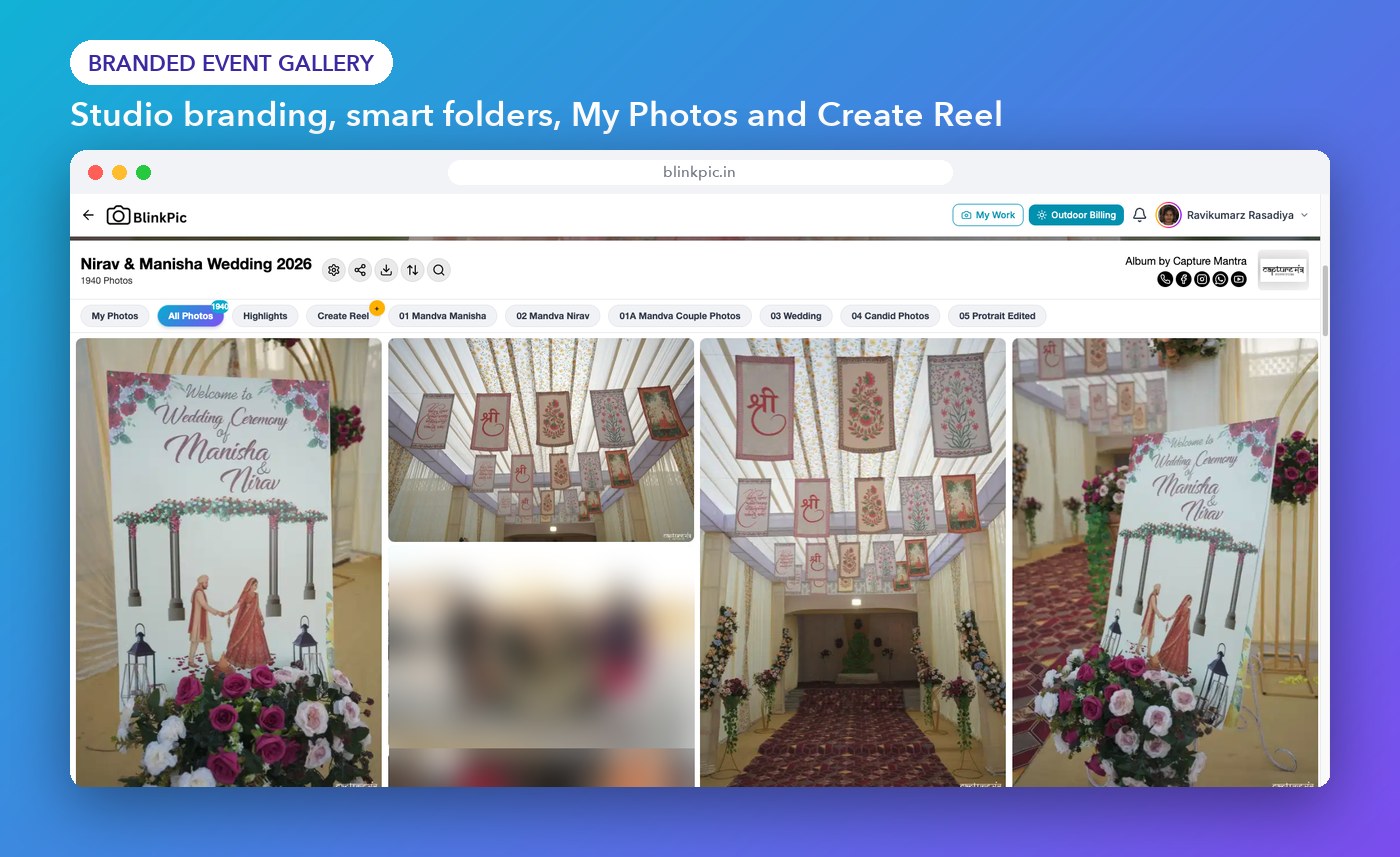
The fix: Deliver through a proper online gallery that opens cleanly on mobile, looks like your brand and lets people browse, search and download without friction.
Mistake 3: Forgetting that the guests are your next clients
At a typical Indian wedding, there are 300 to 1,000 guests. Many of them are planning their own wedding, a sibling’s engagement, or a parent’s anniversary. Most photographers deliver only to the couple, and the couple almost never forwards photos to every aunt and friend. So hundreds of potential clients never see your work, and never learn your studio’s name.
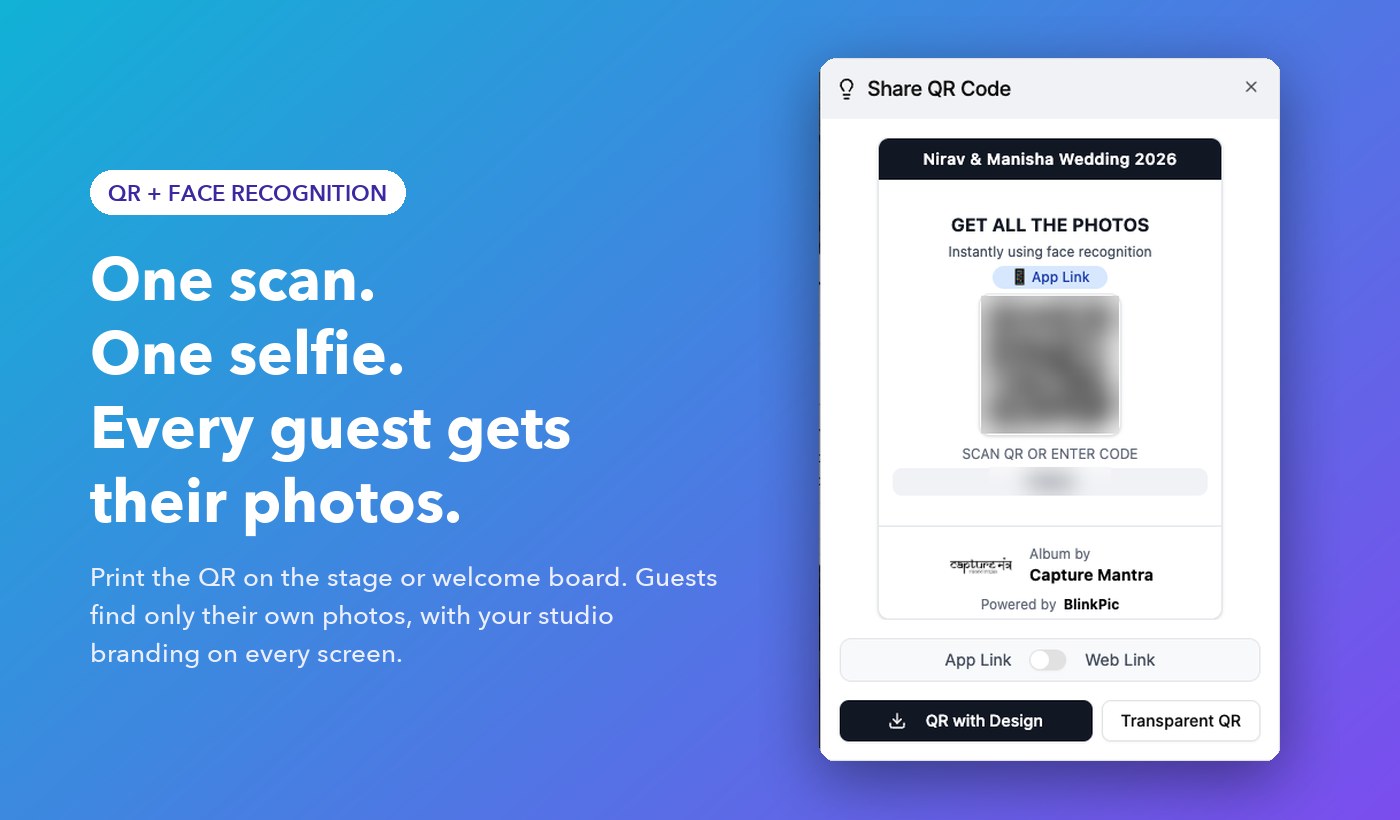
The fix: Make guest access part of the package. Put a QR code on the stage, the welcome board or the return-gift card. With AI face recognition, each guest uploads one selfie and instantly sees only the photos they appear in. No scrolling through 5,000 images, no WhatsApp requests to the couple, and every guest sees your branding.
Mistake 4: Shrinking files to save upload time
It is tempting to export at low quality or send photos over WhatsApp because it is fast. But compressed images look soft when zoomed, show banding in skies and lehenga fabrics, and print badly. The client does not know the file was compressed. They just think your photos are not sharp.
The fix: Always offer full-resolution downloads. If upload speed is the real issue, use a desktop uploader built for bulk transfers instead of reducing quality.
Mistake 5: Sending every single frame
Delivering 4,000 photos with twelve near-identical shots of every pose does not feel generous. It feels like homework. Blurry frames, closed eyes and duplicates dilute your best work and make the whole gallery look average.
The fix: Cull before you deliver. AI photo culling can flag blurry, duplicate and closed-eye shots in minutes, so you only spend your time choosing between good photos, not rejecting bad ones. Then let the client mark their favourites in the gallery, so you edit and print only what they actually love.
Mistake 6: Making people search folder by folder
“Haldi”, “Mehendi”, “Sangeet”, “Wedding”, “Reception” folders help a bit, but when a client wants “that photo of Dadi laughing near the mandap”, they still have to scroll through hundreds of images.
The fix: Use a gallery with smart search. On Blinkpic, clients can search by face, or simply type a description like “red dress”, “couple at sunset” or “stage smile” and the matching photos appear.
Mistake 7: Delivering anonymously
When your photos are forwarded on family groups, does anyone know who shot them? If your gallery and images carry no logo, watermark or studio name, every share is free advertising for nobody.
The fix: Add your logo, colours and a tasteful watermark to the gallery and to preview images. A white-label gallery makes your studio, not the software, the star of the experience.
Mistake 8: Ignoring privacy
Public links get forwarded far beyond the family. For many clients, especially with bridal getting-ready photos, private family functions or corporate events, this is a real worry. A single uncomfortable incident can cost you a client and your reputation.
The fix: Use private, access-controlled albums. Let the host decide who can view and download, and make sure guests only see the photos meant for them.
Mistake 9: Treating payments and delivery as two separate worlds
Quotation on WhatsApp, advance in a notebook, balance tracked in your head, delivery on Drive. When these live in different places, things slip. Balance payments get delayed, clients forget what was included, and you end up having awkward money conversations at the same time as you hand over the memories.
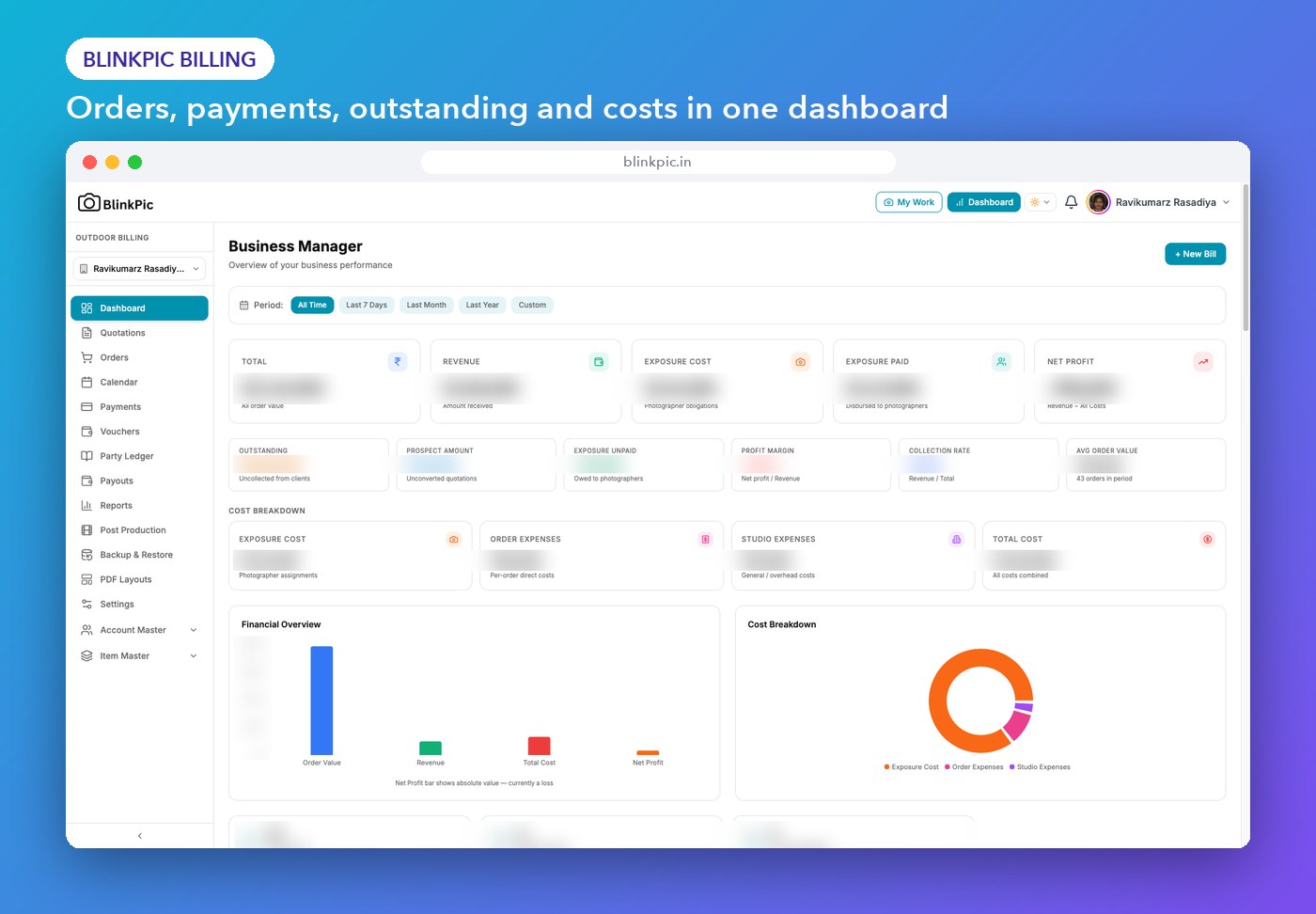
The fix: Keep quotations, invoices, orders and payment reminders in one system. Blinkpic Billing lets you create quotations in a few clicks, track pending payments and send WhatsApp notifications, so the business side stays as professional as your photos.
A simple delivery checklist for your next event
- Share delivery dates with the client before the event.
- Upload the event gallery within 48 hours.
- Put a QR code at the venue so guests can find their photos with a selfie.
- Cull blurry and duplicate shots before the final album.
- Deliver full-resolution files, never compressed copies.
- Make sure your logo and studio name are visible on the gallery.
- Keep the album private and access-controlled.
- Close the balance payment with a proper invoice.
How Blinkpic helps you get the handover right
Blinkpic was built by a team in Surat for exactly these problems. Here is how it maps to the mistakes above:
- AI face recognition: guests find their own photos from one selfie, in seconds.
- QR code sharing: one scan at the venue opens the event gallery.
- Camera to Cloud: photos move from camera to gallery during the shoot.
- AI culling and client favourites: remove weak shots fast and let clients pick what they love.
- Bulk uploads and desktop apps: push thousands of photos quickly from Windows or macOS.
- Full-resolution delivery: downloads without compression loss.
- Prompt-based AI search: find photos by describing them.
- Custom branding: your logo, watermark and visual identity on every gallery.
- Private access controls: albums stay with the people they belong to.
- AI Edit and Make a Reel: consistent looks and ready-to-post reels for social media.
- Blinkpic Billing: quotations, invoices, CRM and WhatsApp notifications in one dashboard.
Final thought
Your camera work gets you the first booking. Your delivery experience gets you the next ten. Pick the one mistake from this list that causes you the most follow-up calls, fix it before your next event, and watch how differently clients talk about you.
Ready to upgrade your handover? Start your free trial of Blinkpic and deliver your next event the smart way.
Frequently asked questions
How soon should a photographer deliver wedding photos in India?
A good standard is to share an event gallery or highlights within 24 to 48 hours, and the fully edited album within the timeline agreed in your contract, usually two to six weeks depending on the package.
Is it okay to deliver photos on WhatsApp?
WhatsApp is fine for sending a few quick previews, but it compresses images. For final delivery, use a gallery that provides full-resolution downloads.
How can guests get their photos without asking the couple?
Use a face recognition gallery. Guests scan a QR code, upload a selfie, and see only the photos they appear in, without asking the couple or scrolling through the full album.
Should I give clients every photo I shoot?
No. Remove blurry, duplicate and closed-eye shots first. A curated gallery presents your work better and is easier for the client to enjoy.
How do I stop my photos from being shared without credit?
Add your studio logo and watermark to galleries and previews, and use private albums with access controls so only invited people can view or download.