Handling phone photo requests at weddings doesn’t have to be awkward or damaging to your workflow. By offering guests a fast and easy way to get their images via BlinkPic you protect your focus, provide a premium service, and leave both your couple and their guests delighted
Why Guests Often Ask for Phone Shots
At weddings, guests frequently approach the photographer asking for a quick picture on their phone. Usually, they’re looking for an instant memory no pun intended. They may assume that professional photos will take too long or may not see the difference in quality or workflow.
But when you’re focused on capturing the big moments for the couple, these interruptions can pull you away from what you’ve been hired to do.
Why Your Client (and Their Guests) Matter
At the end of the day, both the couple and their guests deserve a smooth, memorable experience. You want to deliver beautiful images and reduce distractions. Setting the right boundaries, while delivering a great guest experience, is key.
A Smart Alternative: Instant Guest Access
Rather than stopping the flow to take repeated phone-shots for guests, consider offering something better: instant professional access to their photos. With a tool like BlinkPic, you can upload all the event photos, and guests can quickly find their pictures via face recognition no more mobile phone requests, no pendrives, no delays.
- The guest gets high-quality photos promptly.
- You stay free to concentrate on your art.
- The couple is delighted with service and speed.
How BlinkPic Helps You Shine
Here’s how BlinkPic supports you in delivering an elevated photography service:
- Fast and simple photo delivery: Guests don’t have to wait for weeks; high-resolution images are available quickly.
- Face-recognition capability: Guests upload a selfie (or you add them), and BlinkPic finds all shots of them saving time and frustration.
- Built-in professionalism: Your clients see you offering a premium, tech-savvy service boosting their satisfaction, your referrals, and your brand.
Practical Steps You Can Follow
Set expectations up front: Let your couple know you’ve enabled fast guest access via BlinkPic, helping reduce phone requests during the event.
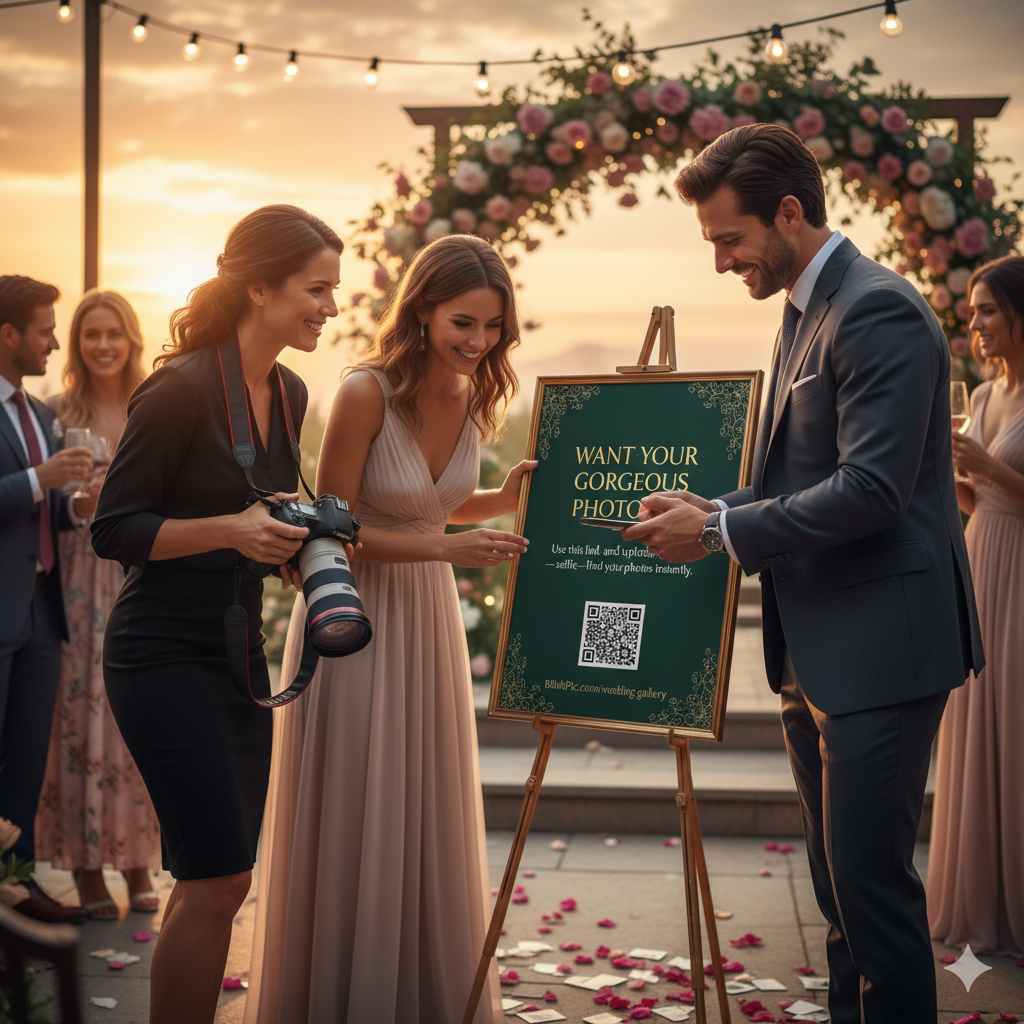
Share a friendly note (via event signage or a card): “Want your gorgeous photos? Use this link and upload a selfie find your photos instantly.”
During the shoot, if a guest asks you for a quick phone photo:
- Smile and say: “Absolutely if you grab a selfie we’ve got all your shots coming in”
- Or: “Let’s pick you up later after we finish the couple’s moment. I’ll make sure you’re included!”
After the event, let your couple know you’re delivering the gallery and guests will have instant access. The fewer ad-hoc phone requests during the day, the smoother your workflow.
Let’s get started: Upload your event to BlinkPic and let’s make every guest feel seen—without interrupting your craft.
Find your photos instantly.